Playing Cards Suit Order
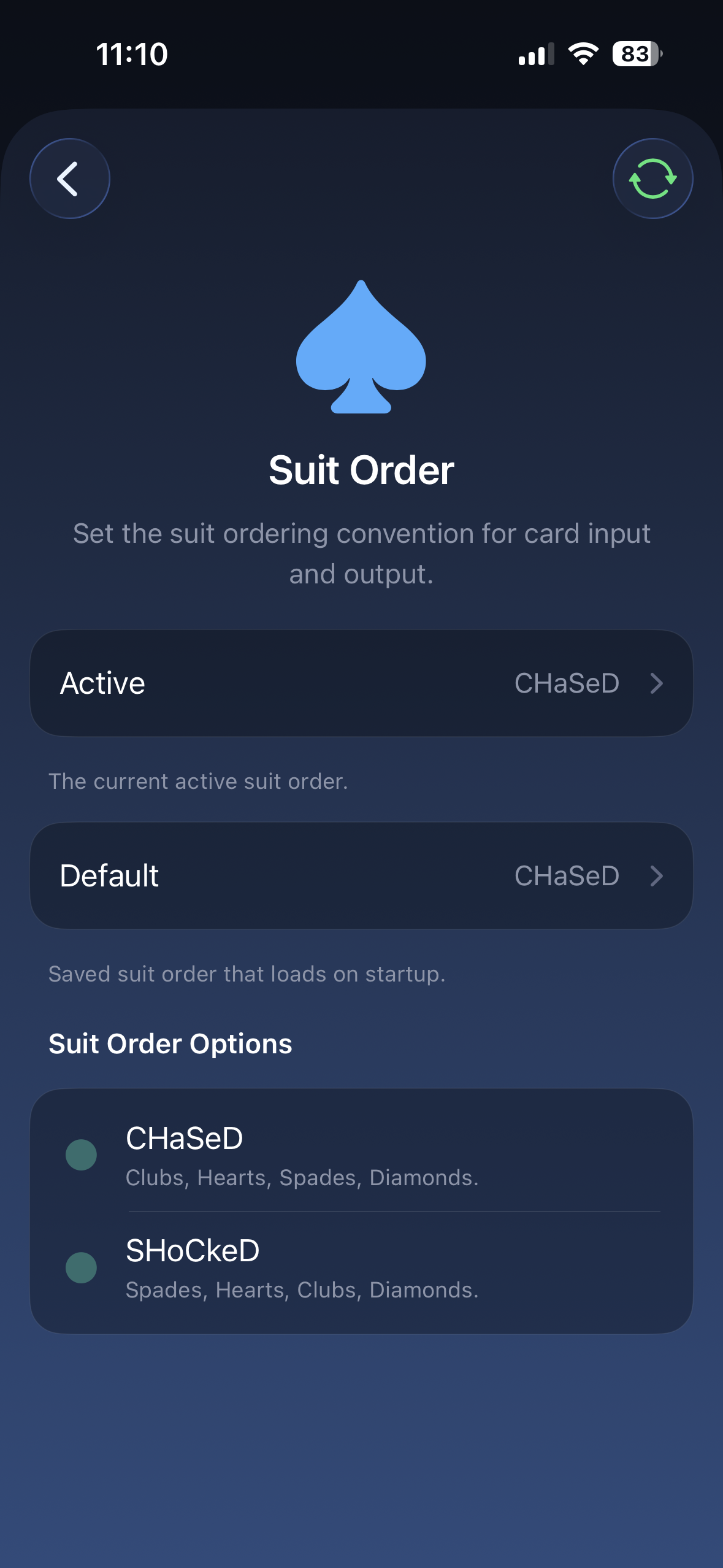
Suit Order controls the suit sequence used by the Playing Cards profile.
Use this when the value is right but the suit is wrong, or when an app, shortcut, or effect tells you to use a specific suit order.
Use this page in the app to change the active suit order or the default suit order that loads on startup.
Options
Section titled “Options”| Suit Order | Use it when… |
|---|---|
| CHaSeD | Your app or effect asks for CHaSeD suit order |
| SHoCkeD | Your app or effect asks for SHoCkeD suit order |
How to choose
Section titled “How to choose”Set Suit Order to the option named by your app or routine instructions.
If the wrong suit appears after you enter a card, check this setting before changing your input method. The card value can be correct while the suit order is mismatched.
Related settings
Section titled “Related settings”- Input Type controls how you enter the card.
- Output Type controls what format is sent.
- Card Stack controls stack-based card lookup.