Playing Cards Input Type
Input Type controls how the remote reads your button presses before it sends a card to your app.
Use the input type that matches how you think about the card during the effect: by card value and suit, by a numeric code, or by its position in a stack.
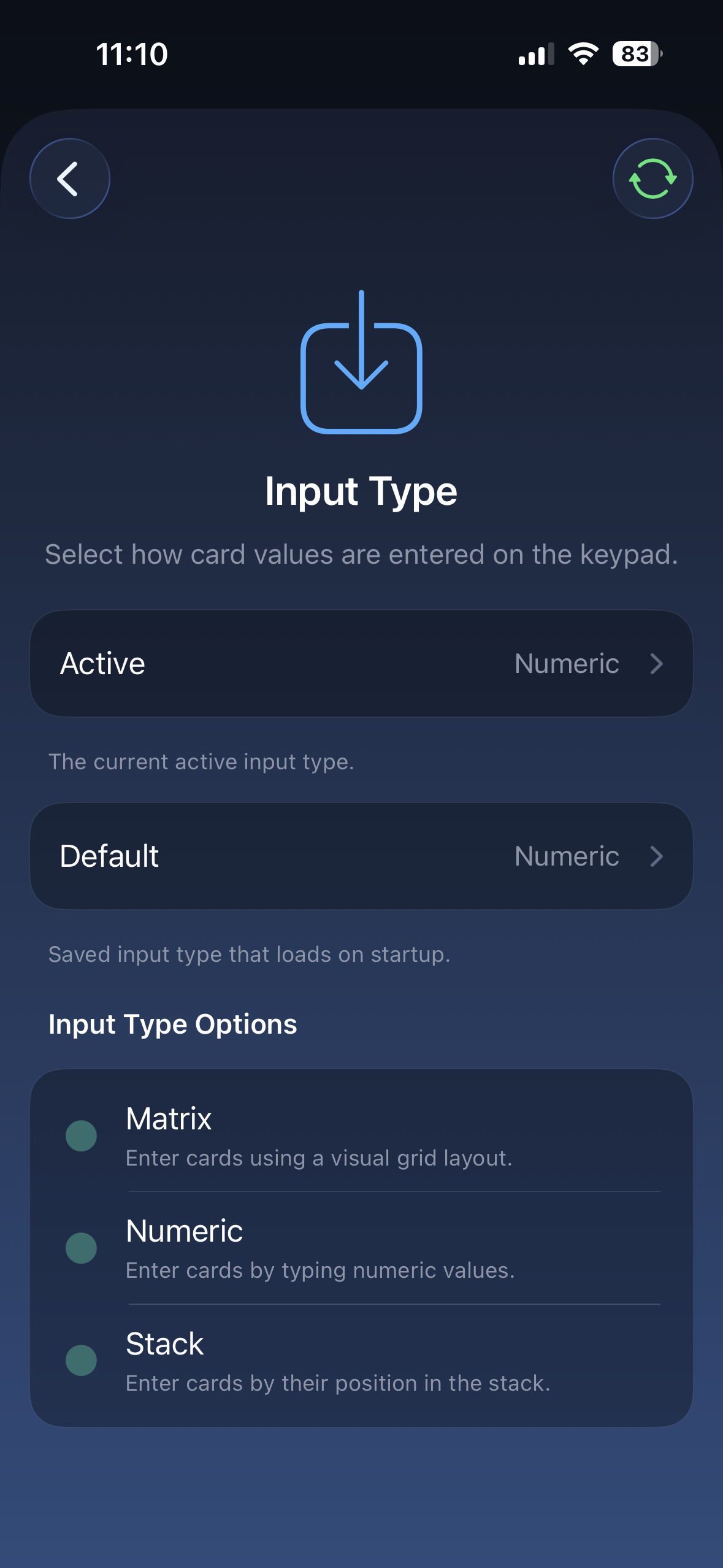
Use this page in the app to change the active input type or the default input type that loads on startup.
Options
Section titled “Options”| Input Type | How it works | Use it when… |
|---|---|---|
| Matrix Input | Press the value, then swipe for the suit | You know the card and want the fastest direct entry |
| Numeric Input | Enter the card using numbers | Your app or routine expects numeric card entry |
| Stack Input | Enter the card’s position in the selected stack | You know the stack number instead of the named card |
Matrix Input
Section titled “Matrix Input”Matrix Input is the easiest place to start for most users.
| Press | Sends |
|---|---|
| Buttons 1-9 short press | Ace through 9 |
| Button 10 short press | 10 |
| Buttons 1-3 long press | Jack, Queen, King |
| Swipe direction | The suit |
With Matrix Input, enter the value first, then swipe for the suit.
Numeric Input
Section titled “Numeric Input”Use Numeric Input when your app or effect expects each card as a short numeric code.
Each card is entered as a value number followed by a suit number:
| Digits | Meaning |
|---|---|
| First digits | Card value, 1-13 |
| Last digit | Suit, 1-4 |
Values run from 1 for Ace through 13 for King. The suit digit follows the selected Suit Order.
With CHaSeD suit order, the suits are:
| Suit digit | Suit |
|---|---|
| 1 | Clubs |
| 2 | Hearts |
| 3 | Spades |
| 4 | Diamonds |
Examples using CHaSeD:
| Card | Numeric input |
|---|---|
| Ace of Clubs | 11 |
| Ace of Diamonds | 14 |
| Queen of Hearts | 122 |
Stack Input
Section titled “Stack Input”Use Stack Input when the card is known by its position in a memorized or calculated stack.
Enter a number from 1 to 52. The remote uses the selected stack to turn that number into the matching card.
Make sure Card Stack is set to the stack your routine uses. The same stack number can point to a different card if the wrong stack is selected.
Related settings
Section titled “Related settings”- Output Type controls what gets sent to the app.
- Card Stack matters when stack position is part of the method.
- Suit Order matters when your app or effect expects a specific suit sequence.