Playing Cards Card Stack
Card Stack tells the Playing Cards profile which stack system your routine uses.
This matters when your input or output depends on stack position. If you enter a stack number while the wrong stack is selected, the remote may send the wrong card.
Use this page in the app to change the active card stack or the default card stack that loads on startup.
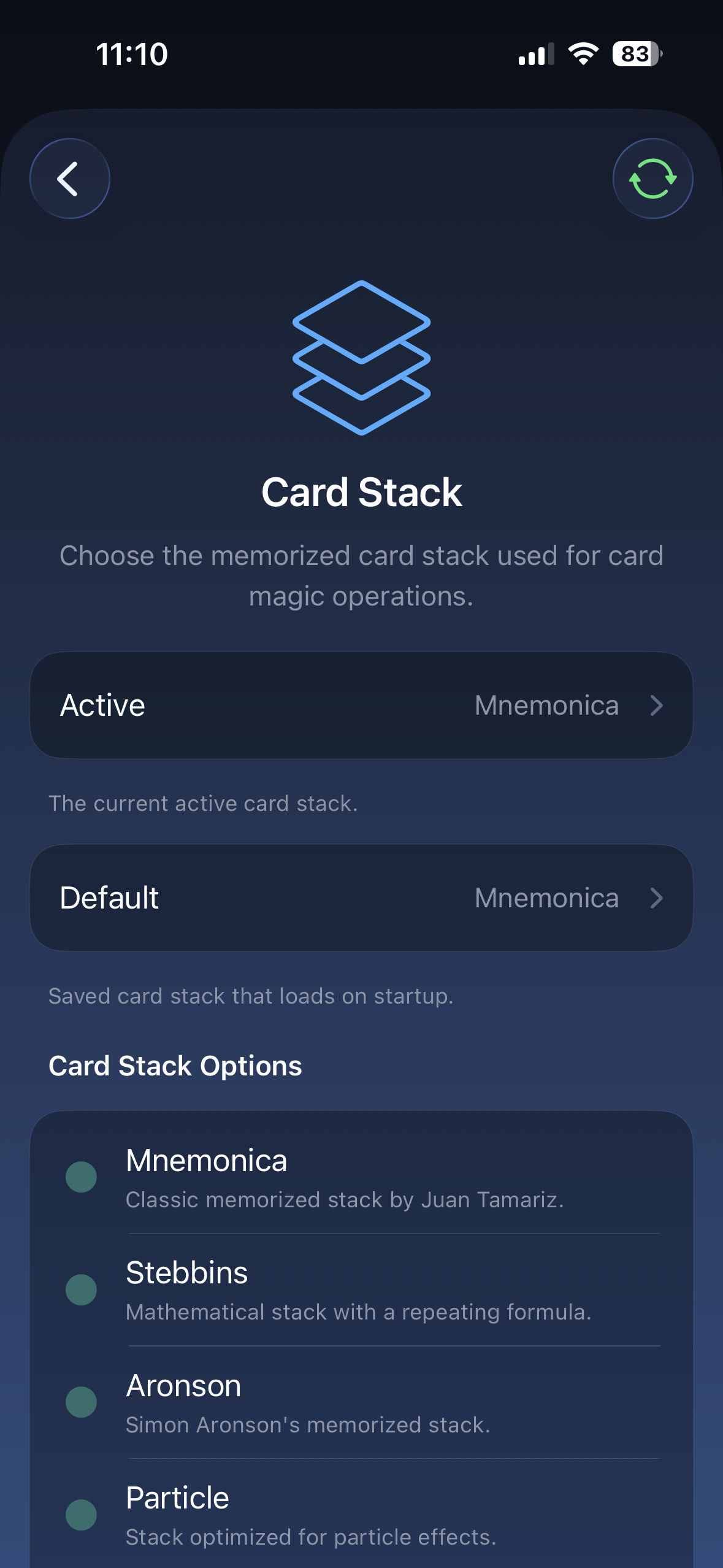
Options
Section titled “Options”| Card Stack | Use it when… |
|---|---|
| Mnemonica | Your routine uses the Mnemonica stack |
| Stebbins | Your routine uses the Stebbins stack |
| Aronson | Your routine uses the Aronson stack |
| Particle | Your routine uses the Particle stack |
| Memorandum | Your routine uses the Memorandum stack |
How to choose
Section titled “How to choose”Set Card Stack to the stack named in your routine, app, or effect instructions.
If your routine does not use stack numbers, you usually do not need to change this setting.
Related settings
Section titled “Related settings”- Input Type decides whether you enter a card directly or by stack position.
- Output Type decides what gets sent after lookup.
- Suit Order should match the app or effect when suit order matters.